DaVinci Resolve Title · Master Series
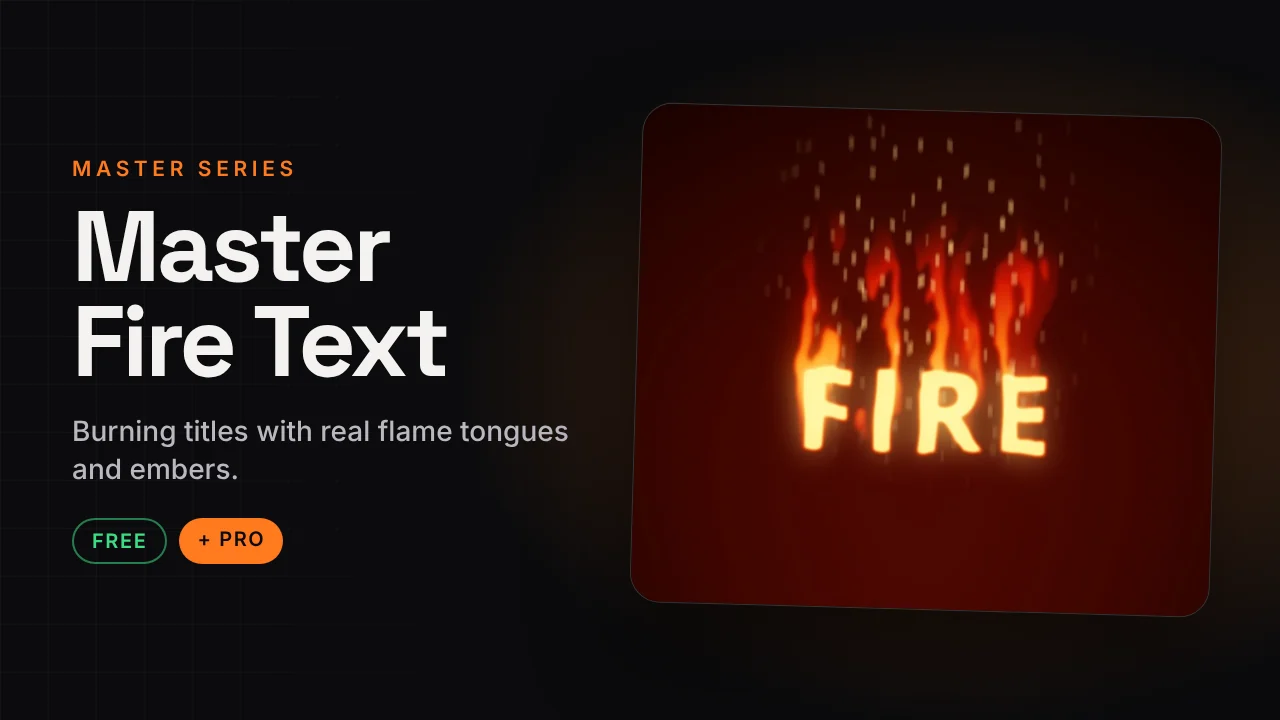
Master Fire Text
Burning titles with real flame tongues and embers.
A title that actually burns: flame tongues climb above the letters, embers rise, and the text can ignite in and burn out on its own. Everything is a simple slider.
v1.2 · Pro v1.0374 KB · .zipDaVinci Resolve · Titles
Free version Free
No account needed. Email is optional.
- Fire colour presets plus custom colours (core, middle, outer)
- Flame height, speed, flicker, turbulence and wind
- Ignite In and Burn Out in seconds
- Letters: Burning, Charred or Clean
- Background: Transparent, Ember or Black
Master Fire Text Pro Free now
Launch offer: the Pro version is free right now. It is in the same download.
- Looks: Burn Reveal, Cartoon Fire, Ghost Flame, Hellfire, Molten Metal
- Clip and Logo: set any clip or logo on fire
How to install
Takes about a minute.
- Download and unzip. Inside is the .drfx installer and a how-to file.
- Open DaVinci Resolve, go to the Fusion page and drag the .drfx into the viewer.
- Restart Resolve.
- On the Edit page open Effects → Titles → Hariharan.Editor → Free Plugins → Master Fire Text. Drag it onto the timeline.
Need help?
Tutorials and updates are on Instagram. For bugs, mail me with your Resolve version.