DaVinci Resolve Effect · Master Series
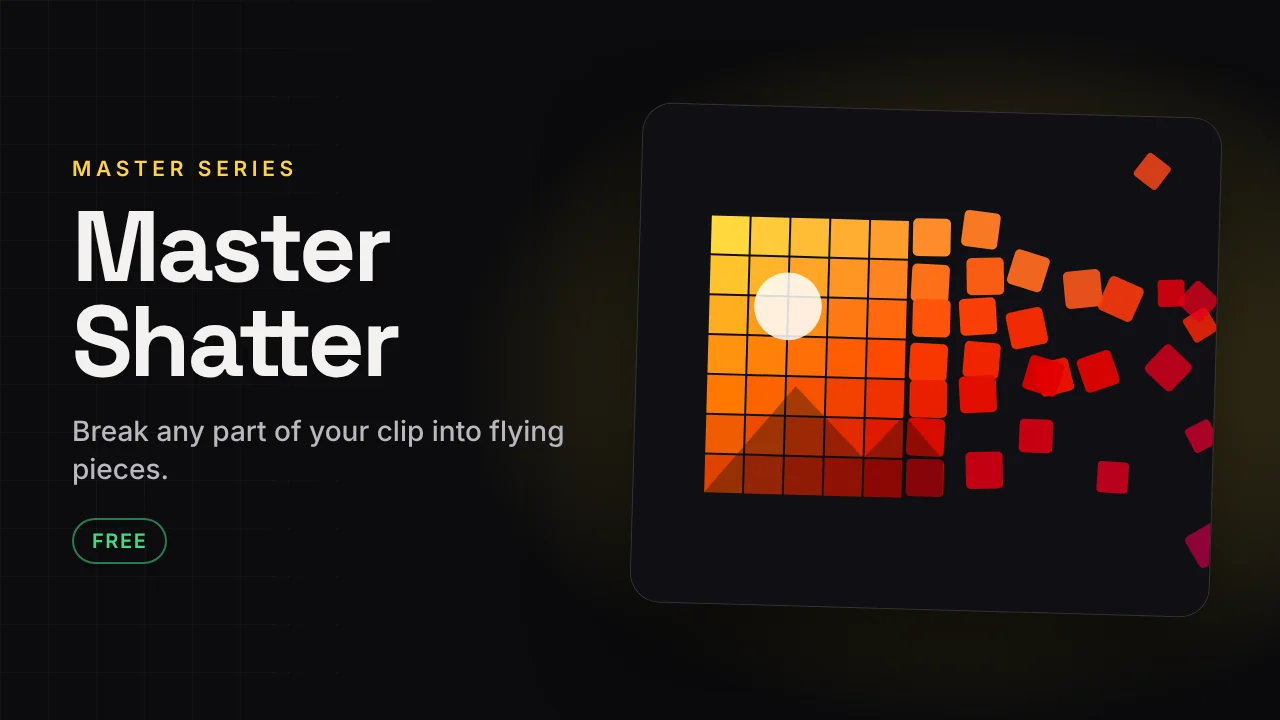
Master Shatter
Break any part of your clip into flying pieces.
Mark an area and it shatters into pieces that fly, spin and fall. Control the number of pieces, direction, gravity and how hard it explodes.
v1.633 KB · .zipDaVinci Resolve
Free version Free
No account needed. Email is optional.
- Pieces, direction, speed, gravity and explode amount
- Mask shape with rough edges
- Impact flash, camera shake and freeze pieces
- Lighting, shadows and motion blur
- Timing in percent or seconds
Fully free
This plugin has no paid version. Everything is in the free download.
If it saves you time, a coffee helps me build the next one.
☕ Buy me a coffee ↗How to install
Takes about a minute.
- Download and unzip. Inside is the .drfx installer and a how-to file.
- Open DaVinci Resolve, go to the Fusion page and drag the .drfx into the viewer.
- Restart Resolve.
- On the Edit page open Effects → Effects → Hariharan.Editor → Free Plugins → Master Shatter. Drag it onto your clip.
Need help?
Tutorials and updates are on Instagram. For bugs, mail me with your Resolve version.