DaVinci Resolve Effect · Master Series
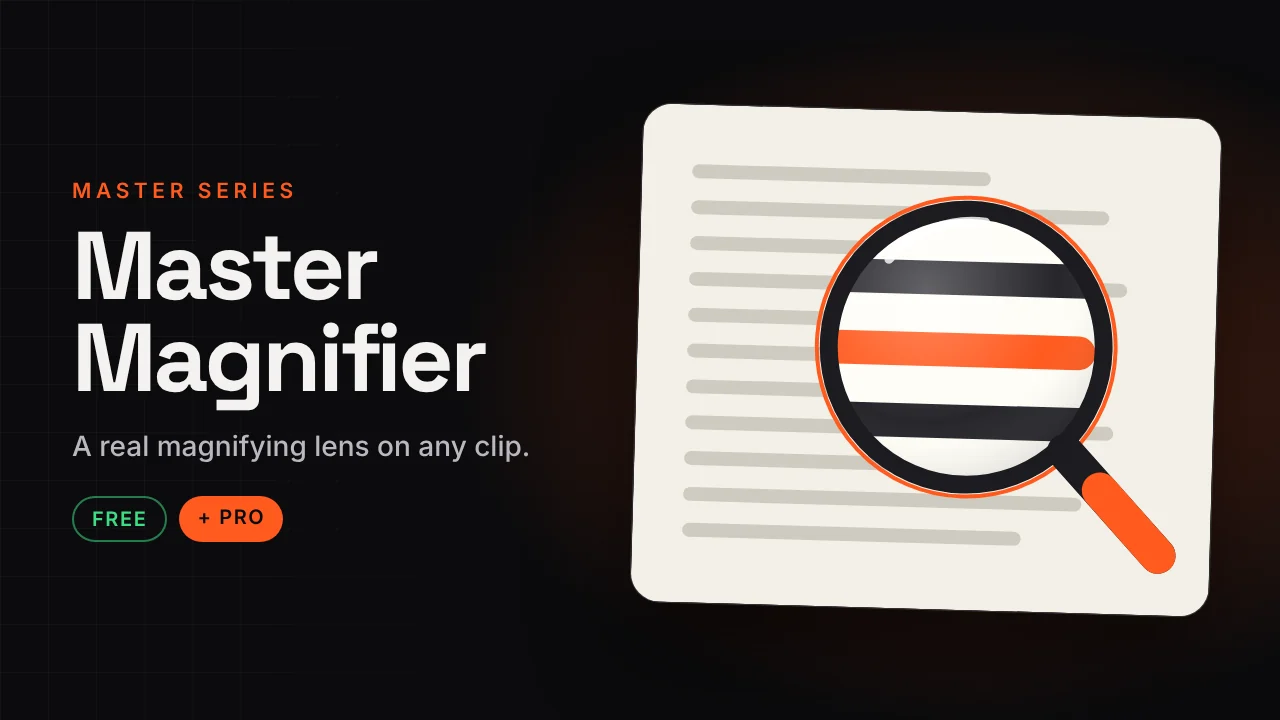
Master Magnifier
A real magnifying lens on any clip.
Drop it on a clip and zoom into faces, text and details with a real-looking magnifying glass: glass bulge, colour fringe, shadow, frame and handle. Move the lens with the on-screen overlay.
v1.123 KB · .zipDaVinci Resolve Free and Studio · 16:9 and 9:16
Free version Free
No account needed. Email is optional.
- Classic magnifier with glass bulge, shadow and handle
- Move the lens with the on-screen overlay
- Stays perfectly round on long videos and Reels
- Native Fusion, no paid plugins needed
Master Magnifier Pro Pro
Instant download after payment.
- 8 ready-made effects: Zoom Callout, X-Ray Lens, Bubble Lens, Colour Pop, Focus Blur, Privacy Box, Screen Punch-In
- Lens looks: X-Ray, Thermal, Night Vision, glow and more
- Outside the lens: auto blur, black and white, dim, vignette
- 4 frames: Classic, Modern Ring, Loupe, Bubble
- 8 animations including Scan Mode and Shine Sweep
How to install
Takes about a minute.
- Download and unzip. Inside is the .drfx installer and a how-to file.
- Open DaVinci Resolve, go to the Fusion page and drag the .drfx into the viewer.
- Restart Resolve.
- On the Edit page open Effects → Effects → Hariharan.Editor → Free Plugins → Master Magnifier. Drag it onto your clip.
Need help?
Tutorials and updates are on Instagram. For bugs, mail me with your Resolve version.