DaVinci Resolve Effect · Master Series
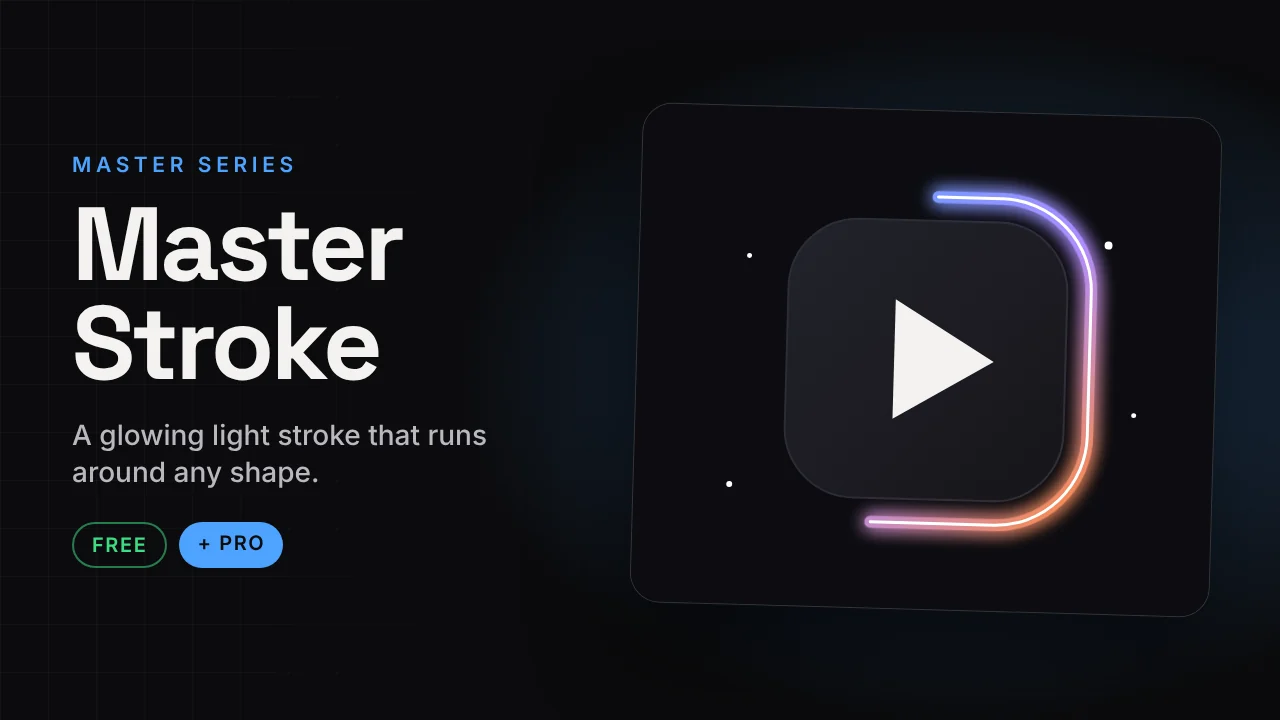
Master Stroke
A glowing light stroke that runs around any shape.
A neon light stroke that travels around the outline of your logo, cutout or PNG. Set the speed and glow and it loops by itself.
v1.1 · Pro v1.038 KB · .zipDaVinci Resolve
Free version Free
No account needed. Email is optional.
- Spin speed and start angle
- Reverse direction
- Swing motion with speed and angle
- Glow control
Master Stroke Pro Free now
Launch offer: the Pro version is free right now. It is in the same download.
- More modes, including even-speed Path
- Multiple strokes with length, width and soft edge
- Fit to Clip and manual progress
- Fade in and out
- Rainbow cycle
How to install
Takes about a minute.
- Download and unzip. Inside is the .drfx installer and a how-to file.
- Open DaVinci Resolve, go to the Fusion page and drag the .drfx into the viewer.
- Restart Resolve.
- On the Edit page open Effects → Effects → Hariharan.Editor → Free Plugins → Master Stroke. Drag it onto your clip.
Need help?
Tutorials and updates are on Instagram. For bugs, mail me with your Resolve version.